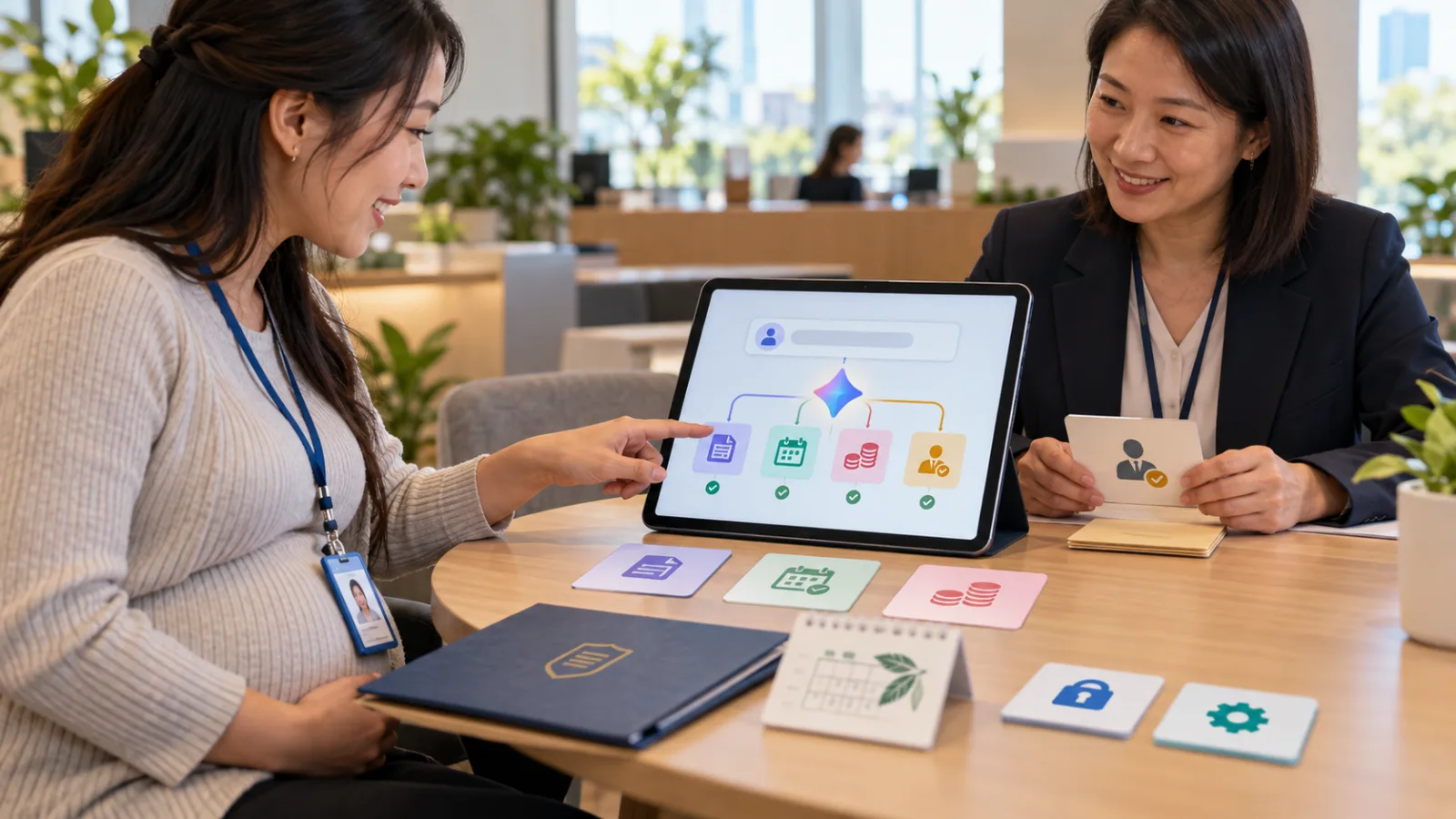
We’ve grown used to asking AI to:
Help me find information.
Help me write emails.
Help me plan travels.
But most of the time, after AI gives an answer:
It’s still up to you to actually get the task done.
Meta officially launched Muse on September 8, aiming to take a step further.
Muse doesn’t just respond with:
"You can book a hotel this way."
It can actually open a browser, search for hotels, fill in forms, and continue handling tasks.
For longer tasks:
Even if you close the app, it can keep working in the background.
What is Meta Muse?
Muse is Meta’s Personal AI Agent.
In simple terms:
A personal AI assistant.
It is powered by Meta’s Muse Spark model.
You don’t need coding skills.
No terminal required.
No API knowledge needed.
You can chat directly with it inside the Muse app.
Or send messages to it through WhatsApp.
For example:
"Help me plan a trip to New York next month."
A typical chatbot might list:
Flight suggestions.
Hotels.
Attractions.
Muse’s goal is to go further:
Research flights.
Organize options.
Open websites.
Fill out forms.
Coordinate schedules.
And if needed, interact directly with websites on your behalf.
Biggest difference: It has its own "computer"
Muse features an important design called:
Muse Secure VM.
A VM, or Virtual Machine, can be imagined as:
Meta providing a dedicated cloud computer for each Muse instance.
Inside it has:
A browser.
File storage.
Computing resources.
Tools to connect various services.
Muse does its actual work inside this computer.
This differs from typical chatbots because:
Chatbots usually stop after answering.
Muse can:
Keep completing tasks within its working environment.
But Secure VM is not the same as Local AI
Yesterday, when we introduced HomeAgent, we talked about Local AI.
Data and AI computations remain on your home device.
Muse is different.
Muse Secure VM is:
A Meta-provided dedicated cloud computer.
Not:
A local model on your phone.
Or a home AI server.
Meta’s research paper clearly states:
Muse’s main workspace and data reside in its assigned VM.
But model inference and some telemetry data may still leave the VM.
So:
Secure Cloud ≠ fully Local.
Don’t confuse these concepts.
AI keeps working even after you close the app
This might be the most noticeable difference of Muse to everyday users.
Suppose you say:
"Help me find flights from Taipei to New York next month, and compare three hotels suitable for elderly guests."
This won’t be done in 10 seconds.
Muse begins working.
You don’t have to watch the screen all the time.
You can go back to work.
When the task finishes, new issues arise, or a decision needs your input:
It reaches back out to you.
So instead of just:
AI Conversation,
it steps forward to:
Background Work.
AI doesn’t just maintain a chat but truly continues working on a task.
A big task can be split into multiple subagents
Muse can launch several Subagents simultaneously.
Subagents can be understood as:
Temporary AI work roles called by the main agent to handle parts of a task.
For example, planning a trip:
One subagent looks for flights.
Another organizes hotels.
Another checks for schedule conflicts.
Finally, results return to Muse.
This means users don’t have to:
Send the first prompt and wait for an answer.
Send the second prompt and wait again.
Muse’s approach is:
You provide the goal, and it handles the task decomposition.
This distinction between Personal Agents and general chatbots is growing larger.
It can also connect to Email, Calendar, and other services
Personal agents can’t do much if they don’t access relevant data.
So Muse can build Connectors.
That means establishing connections to other apps or services.
Meta currently mentions:
Email.
Calendar.
Meta’s own Facebook and Instagram.
Other third-party services.
It might even extend to:
Cars.
Smart home devices.
Any service with API or CLI could become a connector.
This implies Muse doesn’t just know:
"You have a trip next week."
It could also know:
Which days have meetings on your calendar.
What hotel emails you’ve received.
Which tasks have already been responded to.
It then combines all this info within one task.
Don’t grant all permissions right away
This is where the true risk of personal agents lies.
If a typical chatbot replies incorrectly, you just ask again.
But if an agent can:
Send emails.
Modify your calendar.
Fill forms.
Make purchases.
A real mistake can have real-world consequences.
So Meta separates connector permissions.
For example, with Email:
You can allow Muse read-only access.
Or go further and allow sending emails.
Users can also change permissions or disconnect at any time.
This difference is critical.
Read access doesn’t mean write access.
Being able to suggest doesn’t mean automatic execution.
Muse stops to ask before sending email or shopping
Meta states that Muse asks for user confirmation before performing sensitive actions.
Examples include:
Sending email.
Purchasing products.
So the workflow is closer to:
Search → Organize → Fill in → Ready → User Approval → Execute.
Muse also keeps an audit trail.
Meaning an operation record.
You can see:
What it has done.
What it is planning to do next.
This is important because when AI really starts operating for you:
"Being able to review what happened"
is even more valuable than just getting a clever result.
There’s another agent watching Muse
Inside Muse’s Secure VM is an intriguing design:
Sentinel.
Sentinel is a separate safety agent apart from the main Muse agent.
Meta’s design requires that actions involving the internet go through Sentinel.
Sentinel can:
Allow.
Block.
Request user confirmation.
So the same agent isn’t deciding on its own:
"This operation is safe."
Instead, there is a monitoring layer.
This is a notable agent design direction:
Separate Worker and Gatekeeper.
One does the work.
The other checks whether it can proceed.
Passwords aren’t directly exposed to Muse
If a personal agent truly logs into websites, there’s another big problem:
What about accounts and passwords?
Meta says:
Muse itself doesn’t see your passwords or payment methods.
Credentials are stored in a separate secure vault.
Muse can use them without the model directly accessing the secrets.
Meta also plans to support 1Password in future.
Shopping can be done through Stripe Link.
For example, using one-time cards so you don’t give your real card number directly to the agent.
All these designs answer this question:
If AI works for you, it needs permissions—but permissions don’t equal handing over all secrets to the model.
Muse also "remembers" you
Muse isn’t just for one-off tasks.
Meta states it will gradually remember important things about users.
For example:
Friends’ dietary restrictions.
Lifestyle habits.
Ongoing goals.
Your previously mentioned preferences.
One official example is:
You saved a recipe on Instagram.
Muse can turn it into a shopping list.
If you’re planning a dinner party, it can adjust the menu based on your friends’ dietary needs.
It may even proactively remind you.
This is another difference between personal agents and one-time AI assistants:
They aim to build:
Long-term Context.
Not re-learn you every time.
Users can also ask Muse to forget specific memories.
Will Meta use your data for ads?
Meta states:
Data from Muse conversations and Secure VM won’t be fed into Meta’s advertising systems.
Users can opt out of sharing interactions for AI model training.
But it’s important not to say:
"Meta never accesses the data at all."
Because the current release is:
Muse Secure VM.
Meta is also developing:
Muse Confidential VM.
Confidential VM aims to encrypt the entire VM with keys only users control, so even Meta can’t access it.
However, this version:
Has not been officially released yet.
The plan is to launch it later this year.
So we can’t apply Confidential VM’s privacy promises to the current Muse release.
Is Muse available in Taiwan now?
Not yet.
As of September 9, 2026:
Muse is launching in the US.
Supports:
iOS.
Android.
Web.
And direct use through WhatsApp.
Meta says basic features will be free, with a subscription plan for heavier use.
So don’t write that:
"Meta has fully launched Muse worldwide."
At least Taiwan is not included in this initial rollout.
Secure VM doesn’t mean you can just leave it unattended
Meta is very straightforward about this:
Meta AI Research shared:
They started internal use of Muse in early 2026.
The first time they handed off Inbox, Calendar, and Shell to an unsupervised agent for long periods:
Tasks didn’t always go as planned.
Meta explicitly admits:
Agents still make mistakes.
They can also be attacked through prompt injections in the input data.
So Secure VM, Sentinel, Credential Isolation, and Approval processes are designed to:
Reduce harm if errors occur.
They don’t prove that Muse will never make mistakes.
What does Muse truly change for everyday users?
Previously, you might use AI like this:
"Find me three hotels."
Get an answer.
Open websites yourself.
Fill in forms yourself.
Check calendar yourself.
Send emails yourself.
Then ask AI another question.
Muse wants to change that into:
You first clearly say:
"Here’s what I want to accomplish."
The AI itself:
Breaks down the task.
Opens the browser.
Gathers data.
Connects to needed services.
Runs multiple subagents in parallel.
Keeps working in the background.
And only when real user responsibility is needed:
Calls you back for approval.
If this model proves reliable:
The unit of AI use shifts from:
"One prompt"
to:
"One goal."
This might be Muse’s most important aspect to watch today.
It’s not just that Meta made another AI that chats better than ChatGPT.
But the way ordinary people use AI is starting to shift from:
"Ask it one thing."
to:
"Give it a job to run, and it calls me back when something important happens."
Today, let’s improve with AI a little.
Learn one AI skill a day.
Save a bit of time every day.
Boost your abilities little by little each day.
SasaDaily, growing with you.