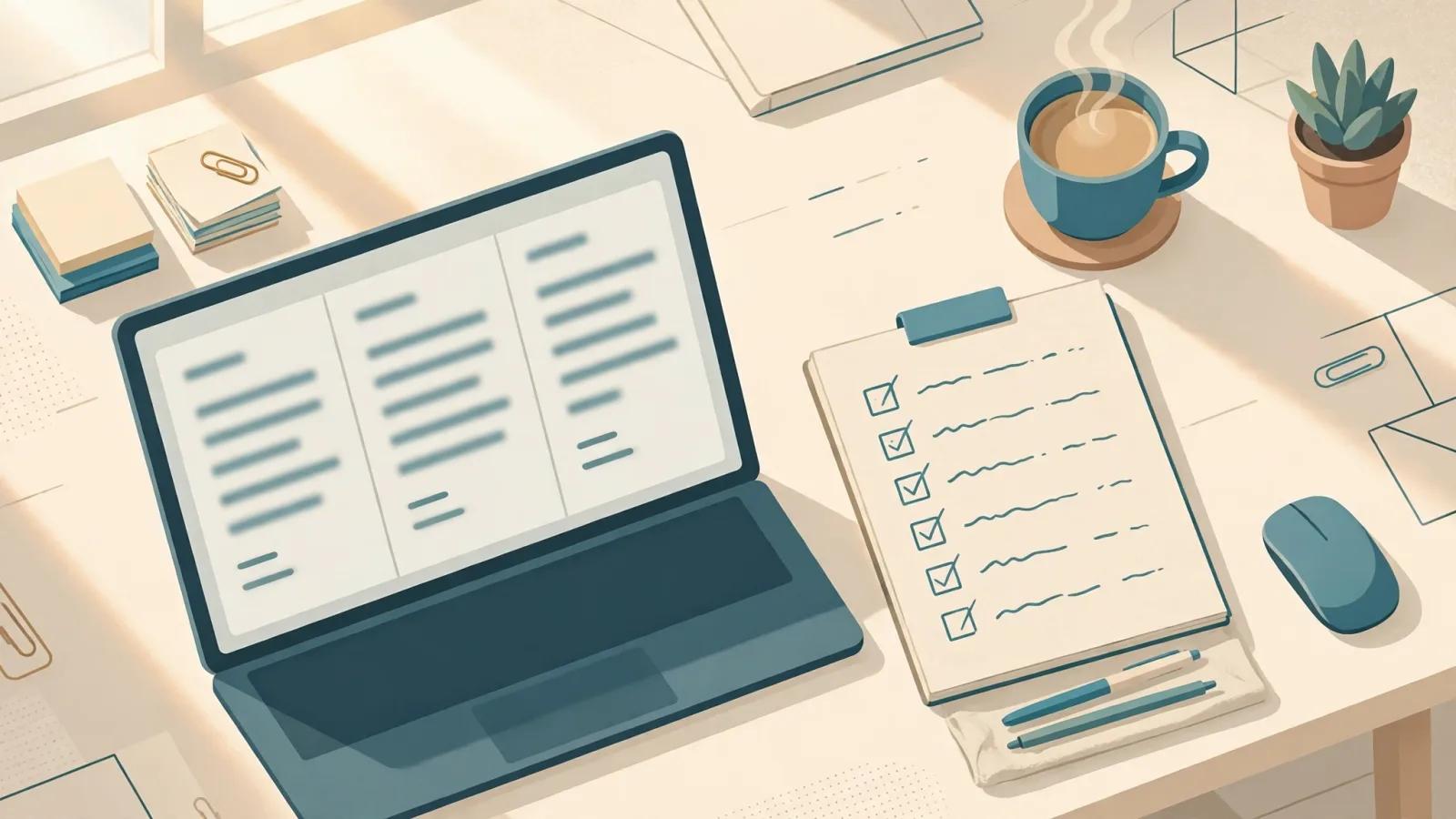
Pain Point: The Hardest Part of Weekly Reports Isn’t Writing, It’s Recalling
Anyone who writes weekly reports knows this: you’ve clearly done a lot, but when you sit down, you just can’t recall everything. The forced result is either a laundry list (which your manager will skim over in three lines) or vague platitudes (“Work progressed smoothly this week” — but no one knows what actually moved forward).
The key problem is the order: Most people try to “first think of the structure, then recall the content.” Doing both at once just causes a block. The correct sequence is to dump the content first, then hand the structure over to AI.
Test Case: One Person’s Week, Two Different Results
Control Group: Asking AI to write the report directly
Me: Write me a weekly report for this week.
AI: All work progressed smoothly this week, project progress met expectations, and next week efforts will continue to ensure goals are met on time.
Sentences like this could fit anyone’s weekly report—it’s essentially not written at all.
Experiment Group: First feed the notes, then specify a three-section format
I first pasted this week’s casual notes into AI—no need to organize, just one item per line:
- Monday: Meeting with vendor, confirmed delivery delayed by one week, updated sales team
- Tuesday: Launched new login page; Wednesday: fixed two bugs reported by customers
- Thursday: Sent Q4 quotes to three clients; one replied requesting a meeting
- Friday: Prepared outline for next week’s presentation, still missing data charts
Then I added: “Organize into three sections: Completed / In Progress / Next Week’s Plan, keep tone conversational, don’t add anything I haven’t written.”
AI:
[Completed] The new login page went live; two customer-reported bugs have been fixed; Q4 quotes sent to three clients, one responded to schedule a meeting.
[In Progress] Presentation outline completed; still missing data charts.
[Next Week’s Plan] Complete the presentation charts; follow up with vendor on revised delivery schedule (sales team already updated).
This version needed only minor edits before it was ready to submit.
Method: 3 Steps
- Casually jot down notes all week: Use your phone’s memo app or a personal chat group—one line per task, write as you go, don’t wait until Friday to remember.
- On Friday, paste all notes into AI at once: Include the three-section format (Completed / In Progress / Next Week’s Plan) plus a reminder not to add anything you didn’t write.
- Manually review once more: Remove anything you shouldn’t disclose (unpublished projects, client names), add any numbers AI might not know, and confirm no progress was fabricated.
3 Important Reminders
- AI will add progress details on its own: For example, if you just wrote “Had a meeting,” AI might add “Consensus was reached.” Always verify each addition before submitting, as you’re responsible for anything AI writes.
- Think carefully about sensitive info: Remove client names, amounts, or unpublished schedules before feeding the AI or before submitting.
- Fix the format: Once your three-section style is set, just update the content each week, turning writing reports from “compose” into “fill in the blanks.”
Transparency
This test used a general conversational AI. Different AI models have varying summarization capabilities, but the difference between “having notes” and “starting from scratch” is consistently significant. The example tasks here are sample content for demonstration—you can try it yourself with your own notes to see the effect.