The typical workflow of transcription tools is easy to understand.
You record a segment of audio.
You upload it.
Then you wait for AI to process it.
Finally, you receive the text.
But if AI is to truly serve as:
Real-time captions,
Meeting assistants,
Customer service agents,
Voice assistants,
simply "transcribe after recording" is not enough.
Because after someone finishes a sentence,
the AI only then starts listening,
then starts understanding,
then starts thinking of answers,
which causes continuous delays throughout the interaction.
Microsoft's latest release:
MAI-Transcribe-2-Streaming
aims to solve exactly this problem.
It doesn't wait until the entire audio finishes to output a transcript.
Instead:
It starts producing text while you are still speaking.
What sets it apart from typical speech-to-text?
The key word is:
Streaming.
Traditional batch transcription works like this:
Send complete audio →
Model processes it →
Return the full transcript.
Streaming, on the other hand, works like this:
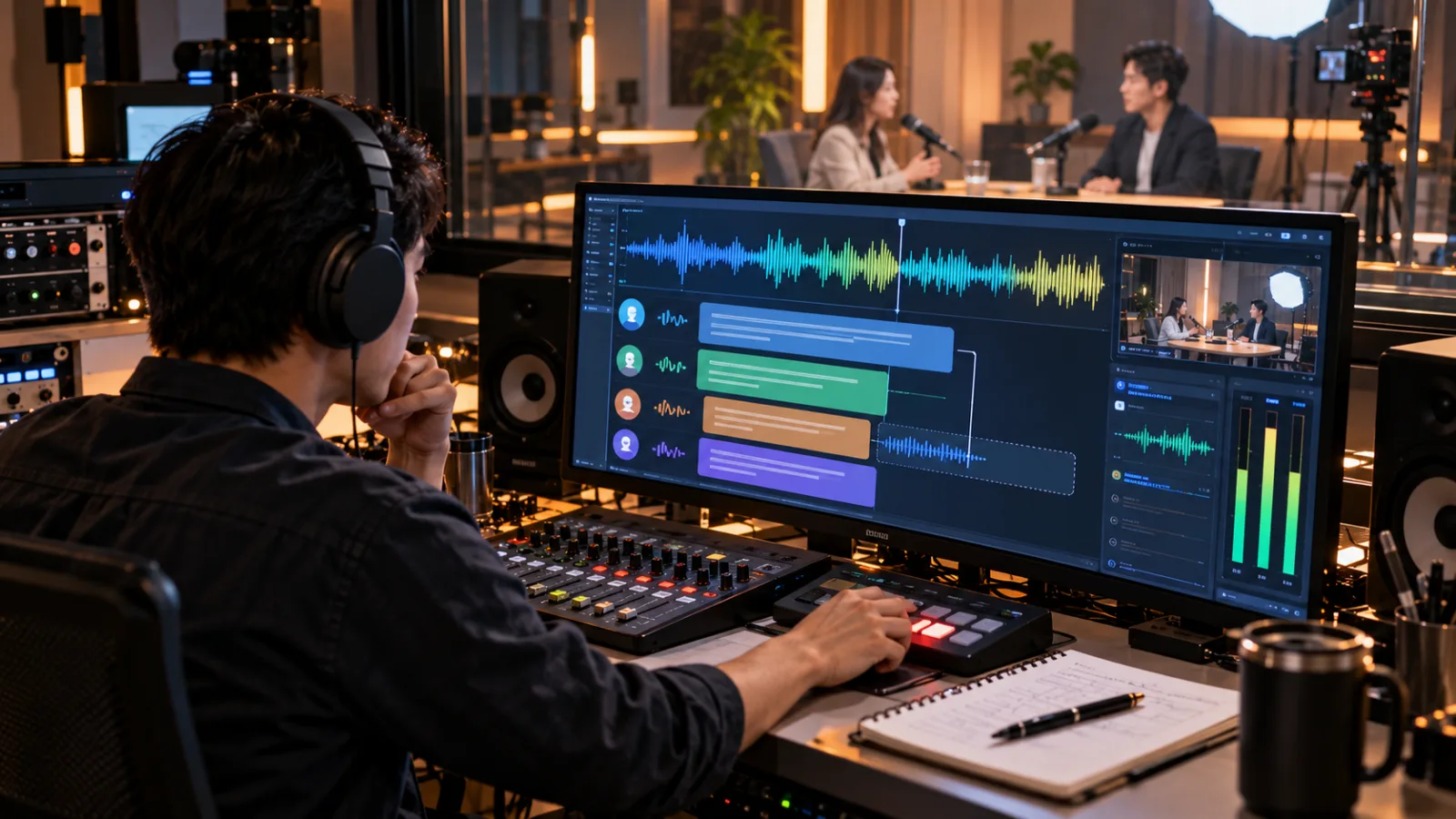
Audio streams in continuously →
Model generates a partial transcript continuously →
Corrects it as more context is received →
Finally confirms a stable transcript.
In other words,
text isn’t displayed all at once.
Instead, it works like a human listening:
Listening, guessing, and revising simultaneously.
What is a Partial Transcript?
Imagine someone says:
"Please schedule for me tomorrow at 3 p.m.…"
The streaming model doesn’t wait for the sentence to be finished.
It might display the first half as:
"Tomorrow at 3 p.m.…"
Then as more speech comes in, it updates to:
"Please schedule a meeting for me tomorrow at 3 p.m."
The initial output is called a:
Partial.
It may still be changed.
Once the model fully confirms, it becomes the:
Final Transcript.
This difference may be less crucial when working with recorded audio files.
But for voice agents, it’s very important.
Why shouldn't a voice agent wait for you to finish speaking?
Imagine you call customer service:
"I want to check a credit card charge from yesterday…"
If the AI must:
Wait for you to finish →
Transcribe the speech →
Understand it →
Look up data →
Generate a response →
Then read it to you,
you feel like:
It’s just waiting.
But if streaming transcription starts during your speaking of:
"The credit card charge from yesterday…"
The agent can begin earlier to:
Recognize intent,
Prepare needed tools,
Access relevant context.
By the time you finish, part of the work is already underway.
Microsoft even positions this new streaming model as:
One of the fundamental components for voice agents.
Microsoft says Partial results appear within roughly 100 milliseconds
Microsoft states that when MAI-Transcribe-2-Streaming receives audio,
it can produce the first batch of partial hypotheses in about:
just over 100 milliseconds.
It does not mean:
The entire sentence’s accurate transcript appears in 100 ms.
These two should not be confused.
100+ ms means:
The model begins forming early text output.
As more audio arrives,
the text keeps getting refined.
The key point is not:
"Finish transcribing a phrase in 100 ms."
But rather:
The AI starts to grasp what you’re saying before you stop talking.
Supports 60 languages with continuous automatic language detection
Another very practical feature is:
Multilingual Streaming.
According to Microsoft,
MAI-Transcribe-2-Streaming supports:
60 languages.
It also offers:
Automatic Continuous Language Detection by default.
This differs from asking users upfront to select from:
English,
Spanish,
Japanese,
etc.
The system continuously determines the language based on incoming speech.
This is very useful in real-world settings.
Many meetings aren’t conducted in just one language from start to finish.
Especially in:
International teams,
Customer service,
Interviews,
and Courses,
it’s common to mix product English names,
personal names,
and technical terms within sentences.
“Supporting 60 languages” doesn’t mean every language performs equally
This distinction must be clear.
Microsoft states the model supports 60 languages,
but it doesn’t imply equal accuracy for:
Every language,
Every accent,
Every microphone type,
Every noise environment.
When using it,
you need to test your own:
Meeting recordings,
Customer calls,
Interviews,
Class recordings,
and Videos.
Especially if your work involves many:
Company names,
Personal names,
Medical terms,
Product models,
Industry abbreviations,
no amount of benchmarking can replace your own sample testing.
Microsoft claims top ranking in Artificial Analysis real-time transcription benchmarks
Microsoft reveals that MAI-Transcribe-2-Streaming leads in accuracy for both final and partial transcripts in Artificial Analysis’s real-time transcription benchmarks.
In the accuracy versus latency comparison,
it also sits on the Pareto Frontier.
These benchmarks help describe the model’s positioning,
but shouldn’t be used to directly conclude:
"It will be the best for my Chinese meetings."
In practice, you still need to test with:
Your voice,
Your language,
Your environment,
Your specialized vocabulary.
Ideal use cases
The most intuitive use case is:
Real-time captions
Previously, live captions were often slightly delayed.
The streaming model can update captions continuously as the speaker talks.
It’s especially suited for:
Online events,
Lectures,
Live streaming,
and Courses.
The second use case is:
Real-time meeting notes
You don’t have to wait until a meeting ends to generate a transcript.
The system can listen and concurrently produce:
Action items,
Questions,
Candidate key decisions.
But "generating candidates" and "confirming decisions" should still be separate steps.
The third case is:
Call center
The system can begin to detect topics mid-dialogue like:
Refunds,
Logistics,
Billing,
Technical issues.
When the customer finishes,
the agent doesn’t have to start from scratch.
The fourth is:
Voice agent
This may be Microsoft’s primary focus.
A truly natural voice AI means more than sounding human.
Critically:
It can’t pause 2 seconds before responding every time.
Voice agent latency is a pipeline process
One voice interaction involves at least:
Speaker talking →
Speech-to-text →
Model understanding/reasoning →
Tool invocation →
Response generation →
Text-to-speech.
Adding just 300ms delay per step quickly becomes noticeable.
Improving voice agent experience isn’t only about:
"Replacing the model with a faster large language model."
It can also start with saving time at the beginning by:
Starting transcription earlier.
Alongside, Microsoft also released:
MAI-Voice-2.1
and
MAI-Voice-2.1-Flash,
aimed at reducing wait times in both voice input and output.
How is it different from September’s MAI-Transcribe-2?
This can be confusing.
MAI-Transcribe-2 has long existed.
It suits:
Transcribing recordings,
Video captions,
Meeting notes,
Speaker diarization,
Word-level timestamps,
and Keyword biasing.
The new:
MAI-Transcribe-2-Streaming
doesn’t add the ability to do speech-to-text that wasn’t there before,
but rather:
It pushes the same tasks into real-time streaming mode.
If your need is:
"I have a one-hour podcast, I want a complete transcript,"
streaming may not be crucial.
But if it is:
"Someone is speaking now, I need text immediately,"
the difference is significant.
How can developers integrate now?
Microsoft offers two main integration methods.
One is the:
Azure Speech SDK.
This is suitable for those who want the SDK to handle:
Connection management,
Retries,
Audio streaming,
and other details.
The other is the:
Realtime API.
This uses WebSocket to continuously send audio,
and receive partial and final transcripts.
So this product currently mainly targets:
Developers and enterprises.
It’s not a consumer app like ChatGPT that starts recording on a website.
This distinction is important to understand upfront.
One session currently limited to a maximum of one hour
One of the current limits listed in Microsoft’s documentation is:
Realtime API sessions can last:
up to 1 hour.
So if you want to handle:
All-day events,
Long meetings,
Extended customer service calls,
Your applications need to implement:
Session rotation,
Reconnect,
Transcript continuity,
and other mechanisms.
You can’t treat this preview API as:
"Connected forever without interruption."
Still in Public Preview
This is the most important current limitation.
Microsoft clearly states that
MAI-Transcribe-2-Streaming is currently:
Public Preview.
There’s no formal SLA,
and the official recommendation is:
Not to use it directly for production workloads.
The more reasonable usage now is for:
Development,
Prototyping,
Internal testing,
and Shadow testing.
For example, a customer service company might run AI transcription in parallel,
but keep their original workflow for official records.
They can first examine:
Missed words,
Latency,
Names,
Numbers,
Product names,
Language switching,
and overall performance.
After passing these checks,
then consider production deployment.
Current pricing
Microsoft released an introductory price of:
$0.54 USD per hour of audio.
The current announcement applies until:
the end of 2026.
Note this is the audio processing price for the streaming model alone.
If you add:
LLM reasoning,
Search,
Tool calls,
Text-to-speech,
the full voice agent cost is naturally much higher than just $0.54.
The real figure to consider is:
The cost of a complete successful conversation.
Not just one model’s price.
Do you need to switch if you only want video captions?
Not necessarily.
If your workflow is:
Record a video →
Upload →
Receive a complete SRT file →
Check it yourself,
then traditional batch transcription might already be sufficient.
The greatest value of streaming lies in:
"Knowing what someone is saying right now."
So before selecting a tool, ask yourself a simple question:
Do I need "accuracy after recording" or "text during speech"?
The former suits batch transcription.
The latter is the streaming model’s true strength.
The real breakthrough is not just faster transcription
Previously, AI speech generally worked like this:
Someone speaks.
The AI listens.
The AI starts working.
Now it’s becoming:
The person is still speaking, and the next AI step has already begun preparing.
As transcription,
reasoning,
tool use,
and voice generation all move toward real-time,
voice agents can evolve beyond:
"Chatbots that can talk"
into:
"AI that naturally integrates into human workflows."