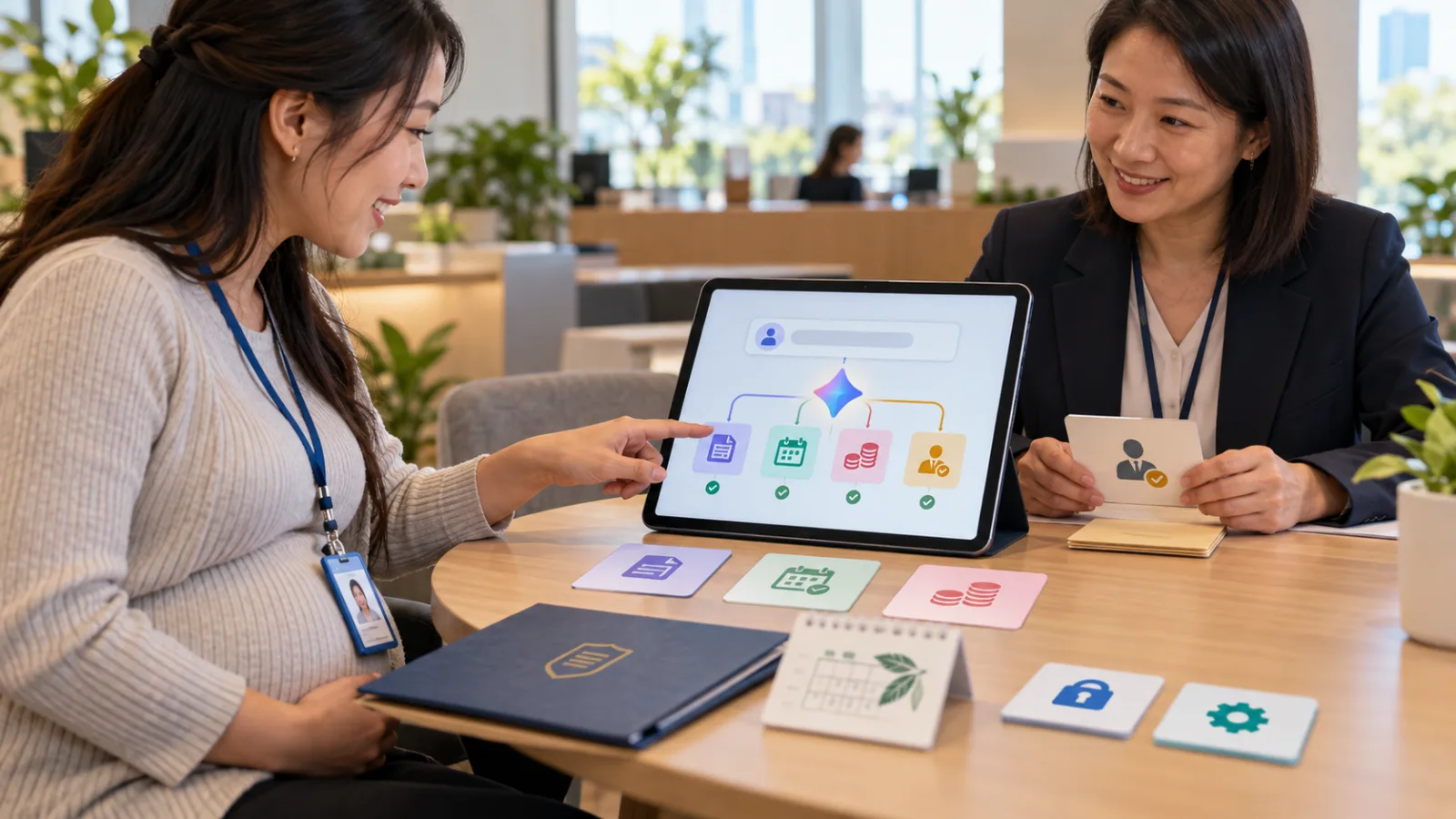
Traditional AI meeting tools typically do three things:
Recording.
Transcription.
Summarization.
After the meeting ends:
You still have to open Word yourself.
Create a presentation yourself.
Post your to-dos to Slack on your own.
Organize a version to share with clients by hand.
So the real time drain is often not:
"I forgot what was said in the meeting."
But rather:
"Even though I already have a summary, why do I still have to reorganize it?"
Plaud’s latest release, Plaud Agent, starts to tackle precisely this stage.
Plaud isn’t just improving summaries this time
On September 11, Plaud unveiled:
The next generation of Plaud Intelligence.
At its core is a new:
Plaud Agent.
Its official positioning isn’t:
A Meeting Summarizer.
But rather:
Once you assign a task, it searches existing Conversation Context to gather necessary information and creates outputs you can actually work with.
For example:
After a Client Meeting, the usual workflow might be:
Record audio.
Transcribe it.
Review the summary.
Open PowerPoint.
Organize client requirements.
Build a presentation.
Post updates to Slack.
Plaud now aims to drastically shorten this entire middle segment.
First change: From Summary straight to Artifact
Plaud Agent introduces a vital concept:
Artifacts.
Instead of delivering:
A slice of AI-generated text...
It directly creates:
PDF.
PPTX.
DOCX.
Markdown.
For instance, after a client meeting you could request:
A Client Debrief.
A Project Update.
A Structured Brief.
Or even an editable presentation file.
This difference may seem minor on paper.
But in practice, it’s huge because:
A summary is for viewing.
An artifact is ready to be used in your work.
Example: After a consulting meeting
Suppose you just finished an hour-long conversation with a client.
Topics discussed include:
Current issues.
Three priority items.
Client budget limits.
Expected completion dates.
And some unresolved matters.
Traditional AI note takers might create:
10-point summaries.
You’d still need to manually compile:
Client-facing slide decks.
By contrast, Plaud Agent’s new approach lets you say:
"Organize today’s discussion into a Project Debrief PPTX to send to the client."
The Agent pulls relevant content from the Conversation Context and outputs the requested format.
This approaches actual work delivery.
Second change: It looks beyond the current meeting
The real advantage is:
Many decisions don’t happen in a single meeting.
For instance, client projects may include:
Initial needs interview.
Proposal review session.
Budget discussions.
Follow-up calls.
If you only focus on the current meeting’s transcript, you have to recall:
"What did the client say last time?"
Plaud’s next-gen Intelligence emphasizes finding:
Context that truly matters.
Meaning:
Agent’s information source isn’t just one isolated recording.
It’s your accumulated:
Conversations.
Meetings.
Phone calls.
Work records.
This is different from just dumping all transcripts into a prompt
More data doesn’t mean better if you shove it all in.
What’s truly useful is:
Finding only what the task requires.
For example, if you need to write:
"Client’s top three current risks,"
The Agent should seek:
Relevant clients.
Relevant projects.
Relevant timelines.
Relevant conversations.
Not mix in hundreds of meetings from the past six months.
Plaud calls this a:
Conversation Knowledge Base,
allowing past content to be retrieved and used for upcoming work.
Third change: Connectors tie meetings back into real work systems
If AI only outputs a document, you still have to manually move it.
So Plaud Agent introduces:
Connectors.
Examples include:
Google Calendar.
Slack.
Notion.
Linear.
Zapier.
Meaning Agent not only understands:
"What was said in the meeting,"
but also accesses calendar context and delivers results to:
Team channels.
Project tools.
Documentation.
Other workflows.
Official practical example
After finishing a Client Call, Plaud Agent can:
Generate a completed Client Debrief PPTX.
Send the summary to the project’s Slack channel.
Your real next steps are:
Review.
Confirm.
Then send the final version out.
This is a different league from simply:
"Meeting AI helps me take notes."
Fourth change: Skills let you standardize recurring requests
Many users find themselves repeating:
"Use the same format as last time."
"List problems first, then suggestions."
"Put the date at the top."
"Don’t add anything the client didn’t approve."
Typing this every time is inefficient.
Plaud Agent adds:
Skills.
Think of it as a set fixed work procedures you create for the Agent.
For example:
Client Debrief Skill.
Mandates organizing:
Background.
Confirmed points.
Client requests.
Unconfirmed issues.
Next steps.
Then output in a consistent format.
Next time you have a client meeting, you don’t have to restate the entire approach.
How is this different from a template?
A template is more about:
What the final output looks like.
Skills are closer to:
How the task should be performed.
For instance, a template may specify:
There are five sections in the final document.
A Skill may include:
Which context to find first.
Information that should never be assumed.
How to handle unconfirmed data.
How to organize everything at the end.
So Agent is no longer just:
Filling in blanks.
It follows a defined work method.
Fifth change: Routines automate post-meeting tasks
Another new feature is:
Routines.
A simple concept.
Some tasks always happen the same way.
For example:
After every Sales Call:
Create a customer summary.
Organize objections.
List next steps.
Update the project channel.
If you have to:
Open Plaud,
Then enter a prompt every time,
Someone still has to start the process.
Routines let you set a condition once:
When triggered,
The Agent runs automatically.
This is where real meeting automation gets interesting
Previously, meeting automation was often just:
Meeting ends → auto-generate summary.
Now it advances to:
Meeting ends → find context → create deliverable → send into workflow systems.
For example:
Sales Call ends,
Automatically create:
Call Debrief.
Or:
Weekly Team Meeting ends,
Automatically produce:
Project Update.
Then deliver outputs to:
Slack,
Notion,
or other workspaces.
The human role becomes:
Reviewing.
Editing.
Approving what needs to be officially shared.
New risks arise: Mentioning isn’t the same as deciding
This point is critical.
If a client says in a meeting:
"Maybe we can launch in November,"
AI might summarize as:
Launch Date: November
Which changes the meaning.
Or if the client says:
"The budget might be up to 500,000,"
The final document could say:
Approved Budget: 500,000
Which is entirely different.
So as AI moves from:
Summaries
to Finished Artifacts,
Validation becomes even more important.
The more official the output looks,
the easier it is to forget it’s still a draft generated by AI from conversation data.
Artifact completion doesn’t equal formal approval
Plaud uses the phrase:
Finished Output,
which means:
It’s formatted and ready to use, share, or edit,
but it does not mean:
All business content has been verified and approved.
For example:
A PPTX is done,
but that doesn’t mean the client agrees to the timeline inside.
A PDF looks polished,
but it’s not a sign the quote is officially approved.
A Project Update is pushed to Slack,
but that doesn’t mean all decisions are final.
Thus, companies need to differentiate clearly between:
Conversation Facts.
AI Interpretations.
Human-approved Decisions.
For most workers, recording more meetings isn’t the real key
Many think of Plaud as:
An audio recording tool.
But what next-gen Plaud Intelligence really wants to change is:
Don’t let recorded context just die inside summaries.
For example:
Interviews.
Client needs.
On-site discussions.
Research interviews.
Sales calls.
One-on-one meetings.
The real value isn’t:
"I have a transcript,"
but the work that follows:
Writing articles.
Planning.
Presentations.
Reports.
Follow-ups.
Tasks.
This is the actual work.
Especially useful for solopreneurs
The challenge isn’t usually:
Not knowing what to do.
But constant task-switching.
You just finish talking with the client.
You need to organize notes.
Then write the proposal.
Update the project board.
Write follow-ups.
Record client requests.
Each step takes maybe:
10 minutes.
After adding up, it can consume:
A whole afternoon.
Plaud Agent’s goal is to:
Connect these "post-conversation" steps.
Not to replace client relations,
but to:
Prevent you from having to organize the same meeting four times.
Also highly relevant for Sales Teams
Typical sales workflows are:
Meetings.
Note-taking.
CRM updates.
Follow-ups.
Internal updates.
Proposals.
The same information gets repeatedly reentered.
Plaud is also expanding to integrate conversation data with more external AI and enterprise systems.
Clearly, the focus is:
Conversation is no longer just recording,
but a Context Source for the Agent.
Meaning:
What people actually said becomes material for AI’s next job.
But the more connectors, the more important permission management becomes
If Plaud only did summaries, the main risk was:
Incorrect summaries.
But now that it connects to:
Calendar.
Slack.
Notion.
Linear.
Zapier,
new questions arise.
For example:
Which workspaces can the Agent access?
Which conversations can be shared across projects?
Do team members see the same context?
What outputs can be automatically sent?
Which outputs require review first?
These issues can’t be dismissed with:
"AI is convenient."
Especially for:
Client conversations.
HR meetings.
Legal.
Medical.
Financial.
Industries that typically have stricter data requirements.
Plaud Team pushes these controls to the team level
Plaud states:
Next-gen Plaud Intelligence for team users will include:
Shared Skills.
Shared Context.
This means within the same company,
everyone can:
Use a common work method
Instead of each person creating their own prompt.
For example, the company can establish:
A unified Client Debrief Skill,
so all consultants produce outputs with the same structure after meetings.
For organizations,
this is more likely to truly become a workflow than everyone just using one AI note taker each.
But not all Plaud users have full access yet
This must be clearly stated.
Plaud’s official wording on September 11 was:
The next generation of Plaud Intelligence is coming.
Meaning:
The new capabilities are officially announced,
but this does NOT mean:
All regions, plans, and devices have full availability now.
Plaud One remains in limited preorder/early access status, with features, credits, and services varying by:
Region.
Device.
Software version.
A more accurate statement today is:
Plaud has announced next-gen product direction and capabilities, but actual availability depends on account and rollout schedule.
What can existing Plaud do now?
It already includes:
Meeting Capture.
Transcription.
Summary.
Ask Plaud.
Global Search.
AutoFlow.
Export.
Plaud Desktop.
And MCP features.
For example, Plaud Desktop can detect and record computer audio for online meetings in:
Zoom.
Google Meet.
Microsoft Teams.
Without requiring an extra Meeting Bot to join.
Current Plaud already excels at:
Capturing → Extracting.
Agent aims to add:
Utilizing.
Meaning:
After understanding the data,
it genuinely helps you finish subsequent work.
How is this different from meeting AI like Granola?
Both offer:
Transcripts.
Summaries.
Conversation Context.
Both are evolving towards:
Post-meeting workflows.
So it’s not just:
One tool is a note taker, the other is AI.
The key new aspect is:
Plaud combines:
Artifacts.
Connectors.
Skills.
Routines.
All within one Agent framework.
In other words, it’s not just about:
"Making better meeting notes,"
but directly asking:
"What’s the next deliverable?"
If you want to understand Plaud Agent in one phrase, remember these four words
Not:
"Help me remember."
But:
"Help me finish."
In the past:
Meeting ends.
AI tells you:
What was said.
Next stage:
Meeting ends.
AI asks:
What should what was just said now become?
A presentation?
A report?
A project update?
A Slack summary?
A standardized follow-up workflow?
This is the line Plaud Agent truly wants to cross.
Who benefits most from it?
First group:
People with lots of client interviews.
Consultants.
Sales.
Agencies.
Freelancers.
Second group:
Those who handle many post-meeting documents.
PMs.
Researchers.
Project managers.
Third group:
Those who repeatedly hold the same kind of meeting.
Weekly reviews.
Sales calls.
Client debriefs.
Interviews.
Fourth group:
People whose information is scattered across many conversations.
Because true context
doesn’t always live in a single meeting.
Don’t start by automating all routines
If you’re new,
the best approach isn’t:
"Automatically handle all my meetings from now on."
Start with:
One type of meeting.
One type of output.
For example:
Client Call → Project Debrief Draft.
Observe for ten sessions.
See what AI commonly:
Misses.
Misunderstands.
Requires manual confirmation.
Once format and rules stabilize,
turn it into a:
Skill.
Later consider:
Routine.
This way you avoid:
Amplifying a prompt that occasionally makes errors
into a workflow that fails multiple times a week.
The AI meeting tool competition is shifting
The first stage was about:
Who had the most accurate transcription.
The second stage:
Who produced the best summary.
Now the third stage is emerging:
Who can directly transform conversation into follow-up work.
Because what really tires people is not just:
"I forgot what was said in the meeting."
But after the meeting, that same information has to be:
Organized.
Rewritten.
Moved.
Entered again.
And done all over.
If Plaud Agent can reliably tie these steps together,
it won’t just save you minutes of note-taking,
but a whole series of seemingly small yet time-consuming tasks after meetings.
This is what makes next-gen Plaud Intelligence truly worth watching.
Today, grow together with AI.
Learn one AI skill daily.
Save some time every day.
Boost your capabilities a bit each day.
SasaDaily, growing with you.