Not exactly.
HomeAgent emphasizes Local AI and local storage, and the official statement clearly says:
When the Internet is disconnected, local recording and some local understanding features can still function.
But this does not mean:
That the entire HomeAgent system never needs the Internet again.
The key distinction is:
“AI running locally” and “all services running locally” are two different things.
Which features can continue working locally?
The core concept of HomeAgent is to keep more data and AI computation within the home.
Uliya defaults to using the Local Model.
The UGREEN official user agreement states that when using the Local Model:
Input data is inferred directly on the local device.
This input is not sent to the UGREEN Cloud Server.
The Local Model also supports Offline Mode.
The HomeAgent team further explains that after Internet disconnection:
Local recording and local understanding still operate.
For example:
Cameras at home keep recording.
Photos stored locally remain accessible.
Some local AI recognition and understanding still function.
So:
Internet disconnection doesn’t mean all HomeAgent functions stop working.
So why can’t it be called “fully offline”?
Because HomeAgent includes more than just Local AI.
It also offers features that require external services.
The easiest examples are:
Cloud AI.
Remote Access.
Online Search.
These features inherently require communication with systems outside the home.
First: Cloud AI obviously requires the Internet
While Uliya uses the Local Model by default,
users can also actively choose third-party Cloud AI.
For instance, the official team mentions support for ChatGPT-type Cloud Models.
When you select a Cloud Model,
the processing doesn’t just stay inside your home.
UGREEN’s Privacy Policy explains:
Explicit user consent is required before using a third-party Cloud AI.
If you opt to use a Cloud Model, the data for processing will be sent to that third-party AI service.
So, if the Internet cuts out:
The Local Model continues partial work.
The Cloud Model cannot operate as usual.
This is not a malfunction,
but simply a result of two different computing methods.
Second: Remote users connecting back home also need the Internet
Suppose you’re at the office.
You suddenly want to check:
“Did someone just deliver a package at the front door?”
You are not within your home Local Network.
You need to connect remotely to your home devices.
UGREEN provides UGREENlink for Remote Access capabilities.
The Privacy Policy states:
If a user enables UGREENlink, remote connection to NAS and using Uliya requires logging into a UGREEN Cloud Account.
This obviously requires Internet access.
Hence, consider two scenarios:
At home, using local network.
And:
Outside, accessing remotely via the Internet.
These are completely different cases.
Third: Online Search inherently cannot be fully offline
Besides Local AI Inquiry, Uliya also includes Online Search modules.
Online Search means:
The AI needs to retrieve data from external networks.
If there’s no Internet, real-time searching of external websites is impossible.
So even if:
The local LLM still answers questions.
Local data is searchable.
The cameras keep recording.
It does not mean real-time online search still works.
The most common mistake is equating “Local” with “completely independent of external services”
When you see Local AI, it’s easy to think that means:
Completely offline.
No Cloud usage at all.
No Internet required for any feature.
But these three conditions are not synonymous.
A more accurate view is:
Local AI means some AI inference runs directly on your device.
Other functions in the product must be reviewed individually.
For example:
What does Remote Access require?
What does notification service require?
Does a third-party smart home device rely on Cloud?
Does Online Search require Internet?
Where does Cloud AI run?
You can’t assume all other services become local just because the system supports Local AI.
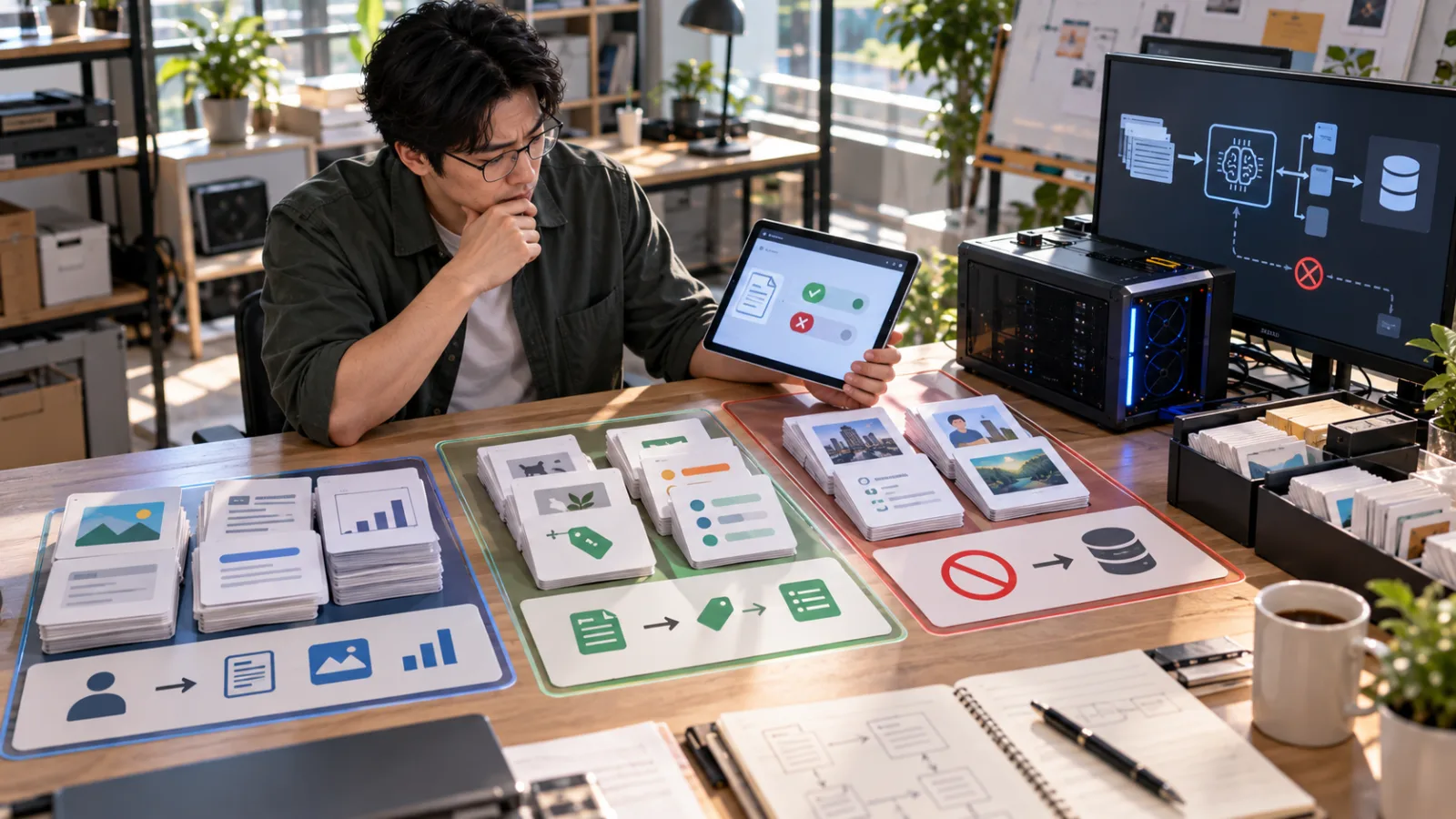
Think of HomeAgent as having two paths at home
The first is the Local Path.
Data stays at home.
Local Model processes tasks.
Local cameras record.
Data saved locally.
Some smart home understanding.
This path retains some core function without Internet.
The second is the Internet Path.
Remote Access.
Cloud AI.
Online Search.
And other features requiring external servers.
This path needs Internet.
A mature Local AI system doesn’t claim:
“You’ll never need the Internet again.”
But rather:
When Internet is down, critical local tasks won’t all stop working.
Internet outage and home network failures are not the same
Another often-mixed issue:
Internet disconnection does not necessarily mean your home Local Network disappears.
If your router, switches, Wi-Fi, and local devices still function, devices at home can communicate.
Conversely, if your router breaks, power is out, hard drives fail, or the Local Network has problems,
even if you don’t rely on the Cloud, the system may not work properly.
So:
Local AI does not mean it will never have interruptions.
It just reduces dependence on external Cloud and Internet.
What is the real value of Local AI?
It’s not:
“You never need Internet anymore.”
But:
Previously, many smart homes would lose core functions when Cloud Services failed.
If recording, data, and some AI understanding are kept locally:
Even if external Internet temporarily fails,
some important tasks can continue.
This is resilience.
It does not guarantee no failure,
but means:
With fewer external services, the entire system won’t lose functionality all at once.
So what’s the final answer?
HomeAgent’s use of Local AI
does not mean all features are completely offline.
More precisely:
Some core AI, data, and recording functions stay local and continue working when the Internet is cut.
But:
Cloud AI.
Remote Access.
Online Search.
And other functions depending on external servers
still require Internet.
So when you hear a product claiming:
“Local AI.”
Don’t automatically translate that as:
“Fully offline.”
Ask:
“Which features exactly are running locally?”
This question helps avoid many common misunderstandings about AI products.
Today, let’s improve together alongside AI.
Learn one AI tip daily.
Save a little time each day.
Grow your skills every day.
SasaDaily, growing with you.