No, it does not.
Google Vids’ new document-to-summary video feature has a smart design:
Before you actually generate the video,
you can first review the:
Script.
You can delete unwanted paragraphs,
edit the text,
and choose the voiceover.
Today's one-minute tutorial just covered this:
Before generating,
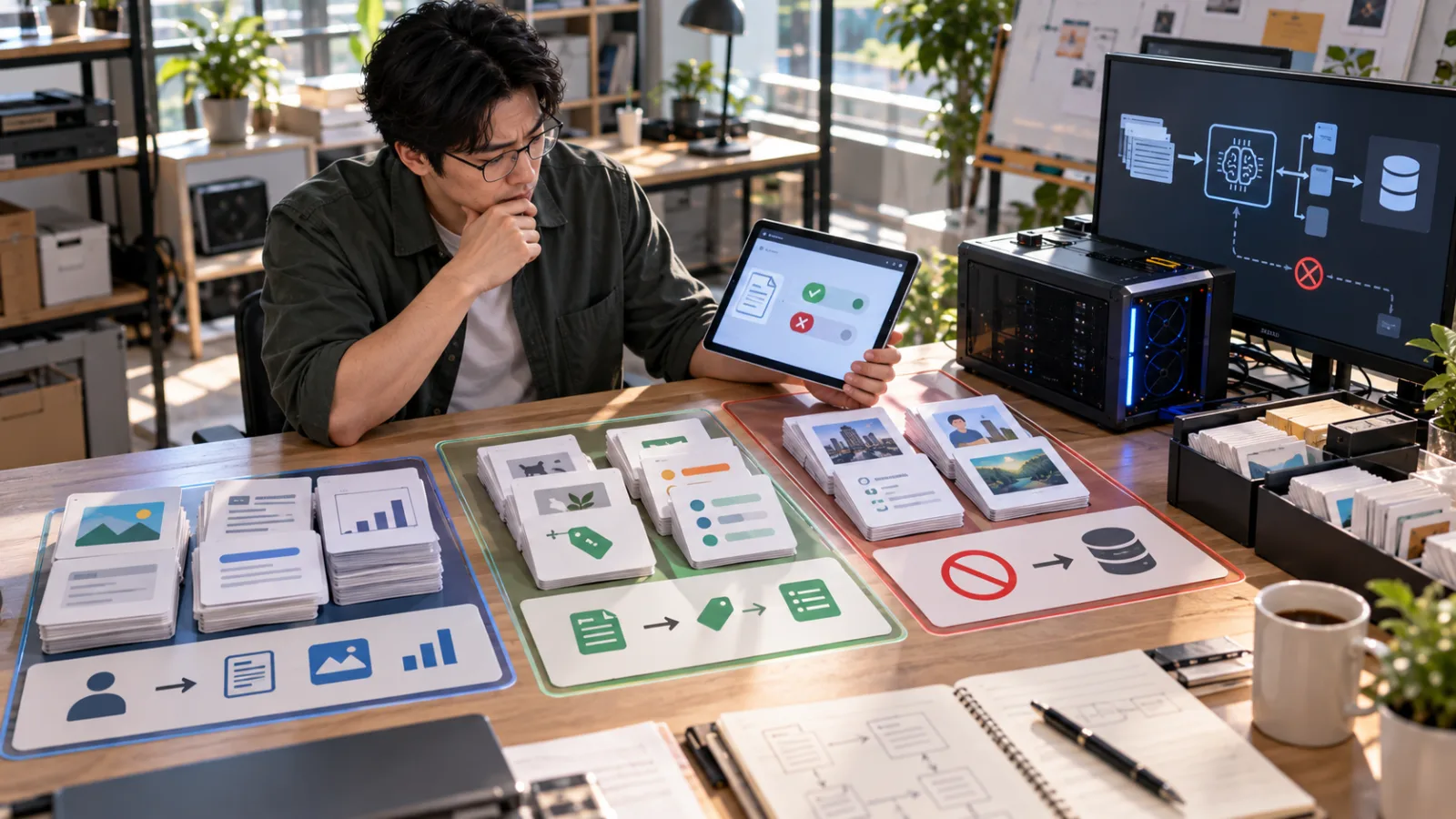
divide the content into:
Must keep.
Can shorten.
No unauthorized additions.
Assuming you have thoroughly checked everything.
The script:
has no missing key restrictions,
numbers are correct,
no random promises added,
and the sequence is correct.
Does that mean:
"Great, no need to watch the video; publish it directly."
The answer remains:
No.
Because script review checks:
What the AI plans to say.
But before publishing, you need to check:
What the audience actually sees and hears.
These are two different levels.
Why can the video still have issues even if the script is correct?
Because after generating,
Google Vids doesn’t just put text on the screen.
The video also adds:
Voiceover.
Visuals.
Scenes.
Animations.
Assets.
Rhythm.
In other words:
Originally, there was only one layer of information:
Text.
After generation, it becomes:
Text
+
Audio
+
Visuals
+
Time.
Each added layer is a potential new point of failure.
Issue 1|You edited the script, but the voiceover is still outdated
Google itself has a specific warning for this.
The official Google Vids Help page says,
if you have modified the script,
but the previously generated AI voiceover hasn’t updated accordingly,
the system will show a:
Voiceover outdated
badge.
Meaning:
The voiceover is out of date.
Why does this happen?
Because once a voiceover is generated,
it doesn’t automatically update when you edit the script.
You need to:
Update and
Replace it manually.
For example, originally you wrote:
"All cases must be processed within 24 hours."
After reviewing the original document, you realize
there was no formal commitment to a 24-hour timeframe.
So you change the script to:
"Cases will be handled according to priority after being received."
The text is now correct.
But if the old voiceover hasn’t been regenerated,
the video might still say:
"Processed within 24 hours."
If you just look at the script,
you might think the error has been fixed,
but the audience hears the wrong information.
This illustrates why:
Certain script correctness ≠ voiceover synchronization.
This is not a hypothetical feature flaw;
Google designed the “Voiceover outdated” badge precisely because
scripts and voiceovers can be out of sync.
The basic step is:
After editing your script,
check if there’s an "Outdated" warning.
If so,
update the voiceover before exporting.
Issue 2|Even if the voiceover matches the script text, the spoken delivery may still need review
Even when the voiceover uses the right script,
it’s worth:
Listening to it once.
Because the audience doesn’t read the script;
they listen.
For example:
Company names,
personal names,
product names,
acronyms,
foreign terms,
technical jargon—
the AI voiceover might read all the words correctly,
but with:
unnatural pronunciation,
incorrect emphasis,
awkward pauses,
which can alter the intended meaning.
For example, a simple sentence like
"No payment without supervisor approval."
If the pausing is strange,
the audience might need to listen multiple times to understand:
Who cannot make the payment?
When is payment allowed?
For typical promotional videos,
this is just:
an unnatural delivery.
But for:
SOPs,
training,
or operational instructions,
it’s more important to fix.
So before publishing,
don’t just watch muted;
play the voiceover out loud.
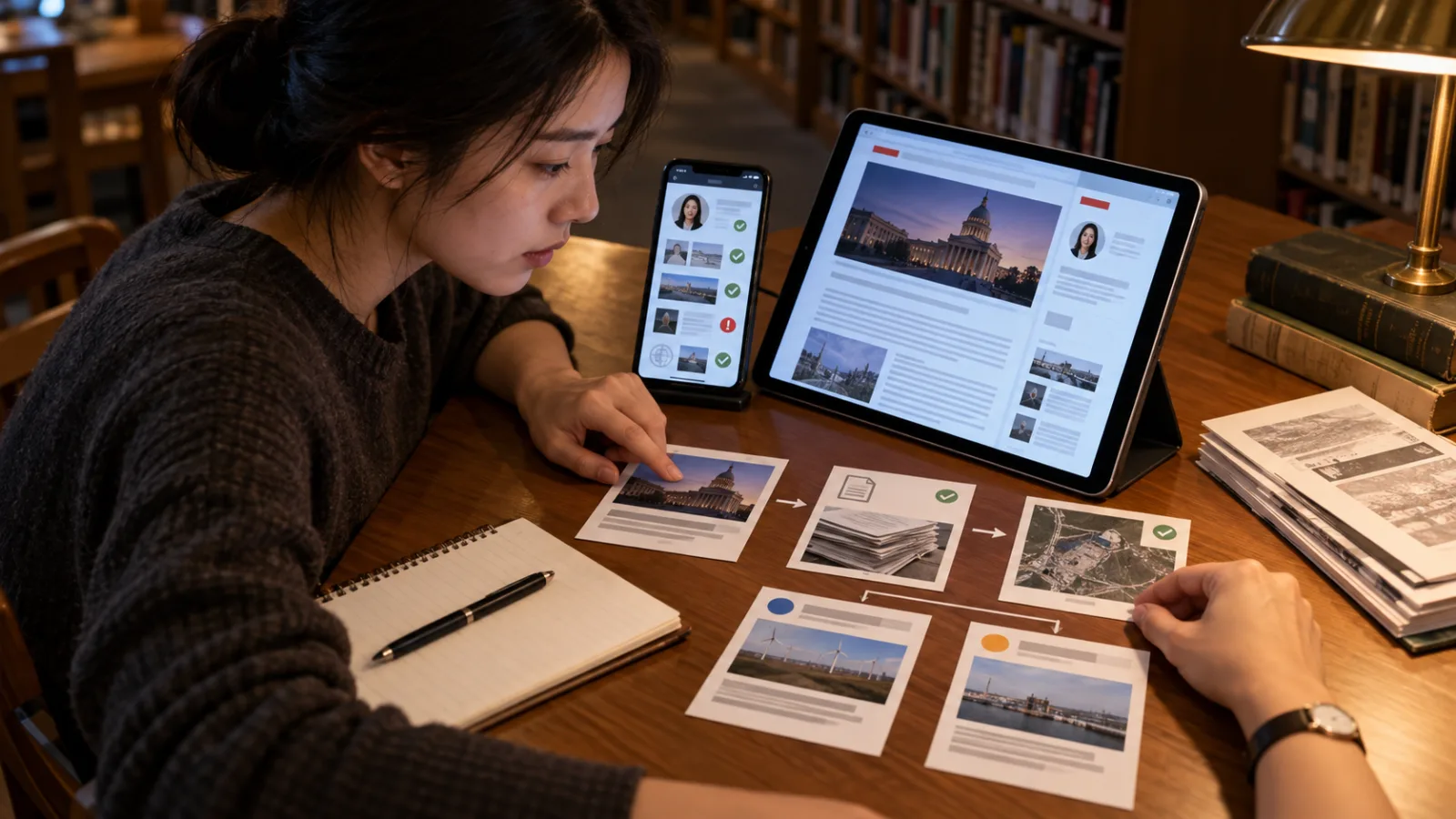
Issue 3|Visuals may look appropriate but might not reflect the facts described in the original document
This is often the most overlooked layer.
Google Vids adds:
AI-generated assets,
stock media,
and other visual content
to make the video more engaging.
The problem is,
AI visuals are mainly good at making:
Concepts appear real.
Not at:
proving that these reflect actual reality.
Google’s official AI video documentation also warns that
generated images and videos:
may not represent real-world situations.
This is very important.
Suppose the original document is about equipment maintenance
The script says:
"Check the safety lock on the side of the machine."
Which is completely correct.
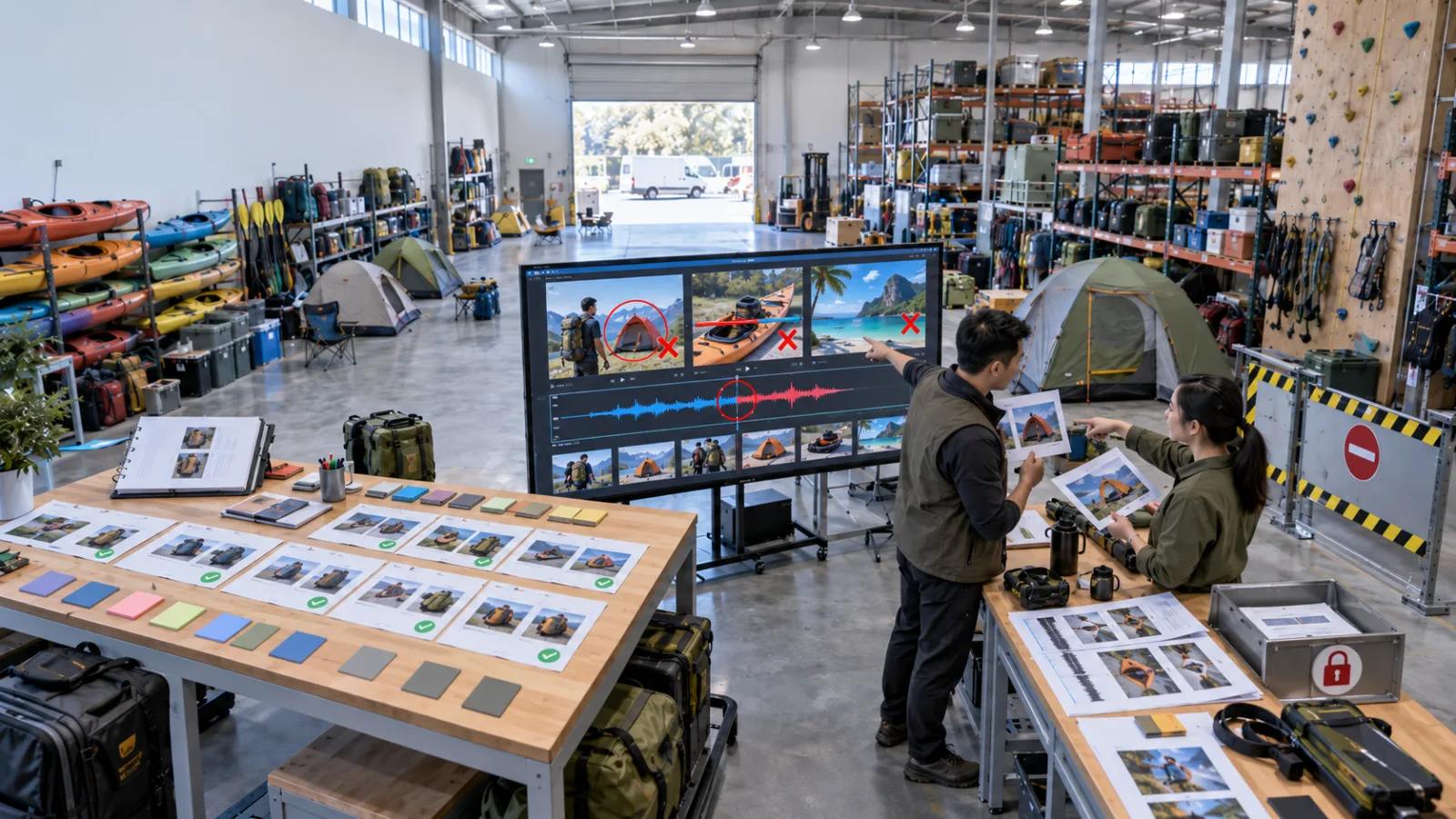
But the AI-generated visuals might show:
a different machine,
or a safety lock in a completely different position.
The voiceover:
and script are correct,
and the video looks professional,
but if a new employee treats the visuals as the actual operational demonstration,
this causes a problem.
So ask yourself: Are these visuals "illustrative" or "evidence"?
This is a very useful judgment.
If the visuals are just:
a person in a meeting,
someone looking at a document,
or a generic office scene,
used merely to add visual pace to the voiceover,
these are usually:
illustrative,
and the risk is minimal.
But if the visuals are instructing the audience:
where a button is located,
what a product looks like,
how to assemble a part,
where to click on a website,
or how to operate equipment,
then they are not mere decoration—
they are conveying:
factual information.
In this case, you cannot just blindly trust AI-generated images because they look good.
Issue 4|Visuals may imply something not stated in the script
Sometimes, visuals don’t even need to be wrong;
just providing an extra suggestion can mislead the audience.
For example, the script says:
"The process can proceed only after supervisor approval."
but the visuals show:
an AI dashboard automatically displaying a green approval check.
Viewers might instinctively think:
AI automatically evaluates and approves.
But the original document actually means:
a human supervisor approval.
The text is correct,
the voiceover is correct,
but the issue lies in the:
visual storytelling.
The biggest difference between video and documents is that visuals "speak on their own"
A document might say clearly:
"Confirmed by a human."
But in the video, if you simultaneously show:
automatic AI execution,
system checkmarks,
and the workflow continuing seamlessly,
the audience might remember the visuals more.
Thus, in the final review,
don’t just ask:
"Is the subtitle correct?"
but also:
"Does the imagery suggest a different meaning?"
Issue 5|Scene order in the summary video can shift the perceived importance
Each scripted section may be accurate,
but that doesn’t guarantee
the audience’s overall impression is correct.
For example, an original SOP might have:
10 steps,
with step 8 being just:
"If an anomaly is found, stop immediately and notify supervisor."
The AI-generated summary video might present:
steps 1 through 7 in great detail,
with lots of visuals and polished animations,
but speed through step 8 at the end.
The text remains present,
technically everything is included,
but the audience may get the impression that:
the initial steps are the main flow, and stopping conditions are just an afterthought.
This is referred to as:
content presence,
but with:
shifted emphasis.
Summary videos especially suffer from this problem
Because videos need:
rhythm,
length control,
and scene composition,
not every sentence gets equal time.
So the final review should ask:
Are important points given enough visual time and attention?
Not just:
Are they mentioned?
Issue 6|AI-generated content may still be inaccurate
Google’s Gemini for Workspace documentation explicitly states:
AI feature suggestions may include:
inaccurate or inappropriate information.
Therefore, Google Vids’ AI functions
should not be understood as:
"Generate equals Google has verified the content."
It’s a:
generation tool,
not an official fact-checking service.
If the script has been manually checked, can that prevent AI from making errors?
It can reduce many risks,
but it cannot guarantee:
no issues at every step of the final output.
Because after video generation,
there are new outputs:
voiceover,
media,
video clips,
avatars,
and scenes.
Some AI-generated assets don’t even exist at the script review stage.
So:
confirming intermediate results doesn’t mean the next step automatically inherits an "approved" status.
This is an essential concept in the AI workflow.
You can think of the whole process like printing a book
You finish writing a book.
The Word document:
is fully proofread.
Does that mean:
the final printed product
requires no further inspection?
Usually not.
You still might need to check:
If pages are missing,
if images are misaligned,
color,
cropping,
and binding.
Document accuracy,
and production quality
are two different things.
Google Vids works the same way.
So what exactly should you check before publishing?
You don’t need to redo a full document audit because you’ve already done:
Source → Script Review.
The last step is to focus only on:
The new elements of the final product.
This can be reduced to three questions.
Question 1|Does the spoken voiceover match the script?
Play the voiceover,
especially in:
edited scenes,
numbers,
proper nouns,
dates,
restrictions,
and commitments.
If the script was edited,
confirm the voiceover is synchronized.
If you see a:
Voiceover outdated
badge, update first.
Question 2|Do the visuals mislead viewers?
Look carefully at:
equipment,
products,
steps,
characters,
interfaces,
cause and effect,
and approval processes.
If the visuals are only illustrative,
that’s fine.
If viewers might mistake them for:
actual instructions,
replace or adjust them.
Question 3|Are the most critical restrictions clearly noticed by the audience?
For example:
Approval required,
cannot self-handle,
stop immediately on anomaly,
numbers are estimates,
has the video made this clear?
Has it given it enough time?
Don’t let important restrictions:
exist only briefly on screen.
You can call today’s approach "After Script Pass, Verify Voice, Visuals, and Key Points"
You’ve already checked the script.
Now lastly, review:
Audio.
Is the voiceover correct?
Visuals.
Are the visuals misleading?
Key points.
Are important restrictions diluted by pacing?
Only when all three pass,
you can:
share,
export,
and publish.
Which video types most need this second review?
First:
New employee training.
Because new hires don’t know the original process,
and may trust the video completely.
Second:
SOPs.
Because the visuals can easily be mistaken for real operation demos.
Third:
Customer briefings.
Videos here might generate misunderstandings about
commitments,
pricing,
and service scopes.
Fourth:
Data reports.
If charts, numbers, and voiceover don’t align,
viewers may reach wrong conclusions.
Fifth:
Safety and high-consequence content.
This type shouldn’t rely solely on AI summary videos as formal operational references.
What about general social media videos?
The verification can be lighter, for example:
Company event recaps,
blog summaries,
or general knowledge introductions.
They don’t require the rigorous review of a legal document,
but you should at least:
play the entire video once.
Because the most embarrassing mistakes usually aren’t:
complicated technical errors,
but rather:
voiceovers not updated,
repeated scenes,
AI images that don’t fit,
or contradictory versions presented back-to-back.
These are all easy to catch with a single watch.
A common mistake: last-minute script edits not fully reflected in the video
For example, originally it said:
"Starting Friday."
Later confirmed it should be:
"Starting Monday."
You edit the script,
see the on-screen text change,
and think it’s done.
But the old voiceover still says:
"Friday."
Google’s "Voiceover outdated" badge helps catch these:
version mismatches.
This is the same issue as version control in company documents.
AI videos also need version control
Previously, version control was usually about:
Word documents,
PDFs,
or code.
Now generative videos also have:
script versions,
voiceover versions,
and visual versions.
Changing one doesn’t automatically update the others.
So a crucial final review step is to:
confirm the final product you are watching is indeed the latest version.
Google allowing edits after generating is an important signal
Google’s official process for converting docs isn’t:
Generate → Publish directly.
Rather, after generating,
you can still:
Edit.
Share.
Export.
This means:
Generation creates a draft video you can keep modifying,
not a finalized approved product.
So a better mindset is:
Generate = Draft Video,
not
Generate = Final Video.
How does this differ from today’s one-minute tutorial?
Today’s tutorial focuses on:
Before generating,
you divide the script into must-keep, can-shorten, and no-additions,
to avoid content mistakes during summarization.
This FAQ covers:
After generation.
Even with a correct script, the video adds voice, visuals, and timing,
so you need to verify:
audio, visuals, and key points.
These two review steps cannot replace each other.
The most complete workflow actually has four layers
First layer:
Source.
Original docs, PDFs, Word files.
↓
Second layer:
Script.
How AI summarizes the original document.
↓
Third layer:
Generated Video.
How voiceover and visuals present the script.
↓
Fourth layer:
Viewer Understanding.
What the audience ultimately comprehends.
Every layer can introduce:
information loss,
or meaning changes.
The smartest manual check isn’t:
re-examining everything at the end,
but checking each time the form of information changes.
Source to Script
Check:
what was left out?
what was added?
Script to Video
Check:
does audio and visuals alter the meaning?
Video to Viewer
Finally ask:
If the viewer has never seen the source document,
will they get the
correct core understanding?
This is the true acceptance criteria for summary videos.
A situation where "professional-looking visuals" can be misleading
One of the biggest psychological traps of AI videos is:
Presentation quality.
Clean visuals,
pleasant voiceovers,
smooth transitions,
all make it look like a formal corporate video.
This naturally lowers viewers’ skepticism.
But:
Professional appearance doesn’t equal accuracy.
A visually stunning but incorrect SOP video
can be more dangerous than
a dull but accurate PDF,
because people are more likely to trust it.
Therefore, it’s best to define the identity of summary videos within the company
For example:
Quick overview
not:
the sole formal specification,
or
training summary
not:
a substitute for the full SOP.
This way, viewers know:
the video is for rapid understanding,
and for exceptions, formal conditions, or safety issues,
they should still refer to the source document.
What if the original document is updated?
This is another version control concern.
Say you made a summary video in September,
the SOP updated in October,
and the source document now shows the new process.
If the video isn’t updated,
it becomes a:
pretty piece of outdated content.
So if a company uses Vids for long-term internal training,
someone needs to be responsible for updating videos when documents change.
No need for complexity,
but at least keep the source document linked beside the video,
record version dates,
and include videos on the update checklist for important policy changes.
For general users, the process doesn’t need to be heavy
If you’re just
turning a five-page article
into a two-minute summary video,
the simplest approach is:
review the script,
generate,
then play the entire video once,
checking:
audio,
visuals,
and key points.
You can finish this in three minutes.
The thing to avoid is:
sharing the video without even playing it once after generation.
This is the same as sending an AI-written email without reviewing it first.
So, to answer today’s question
The Google Vids script may have been manually checked and corrected,
meaning:
you’ve done a good job on the
first content verification step.
But after truly generating the video,
new content elements appear.
The voiceover might not be synchronized with the latest script,
the AI visuals may be merely illustrative or even inconsistent with reality,
and scene pacing might obscure important restrictions.
So before publishing,
play through the entire final product once.
Don’t recheck the whole document;
just focus on:
audio,
visuals,
and key points.
If all three are correct,
then it’s closer to being ready to publish.
The most important takeaway today isn’t that
"AI videos will definitely have errors,"
but rather:
Script review checks AI’s plan; final review checks what the audience actually receives.
They are not the same thing.
Today, let’s make progress with AI,
learn one AI skill daily,
save a bit of time every day,
and improve a little more every day.
SasaDaily, growing with you.